

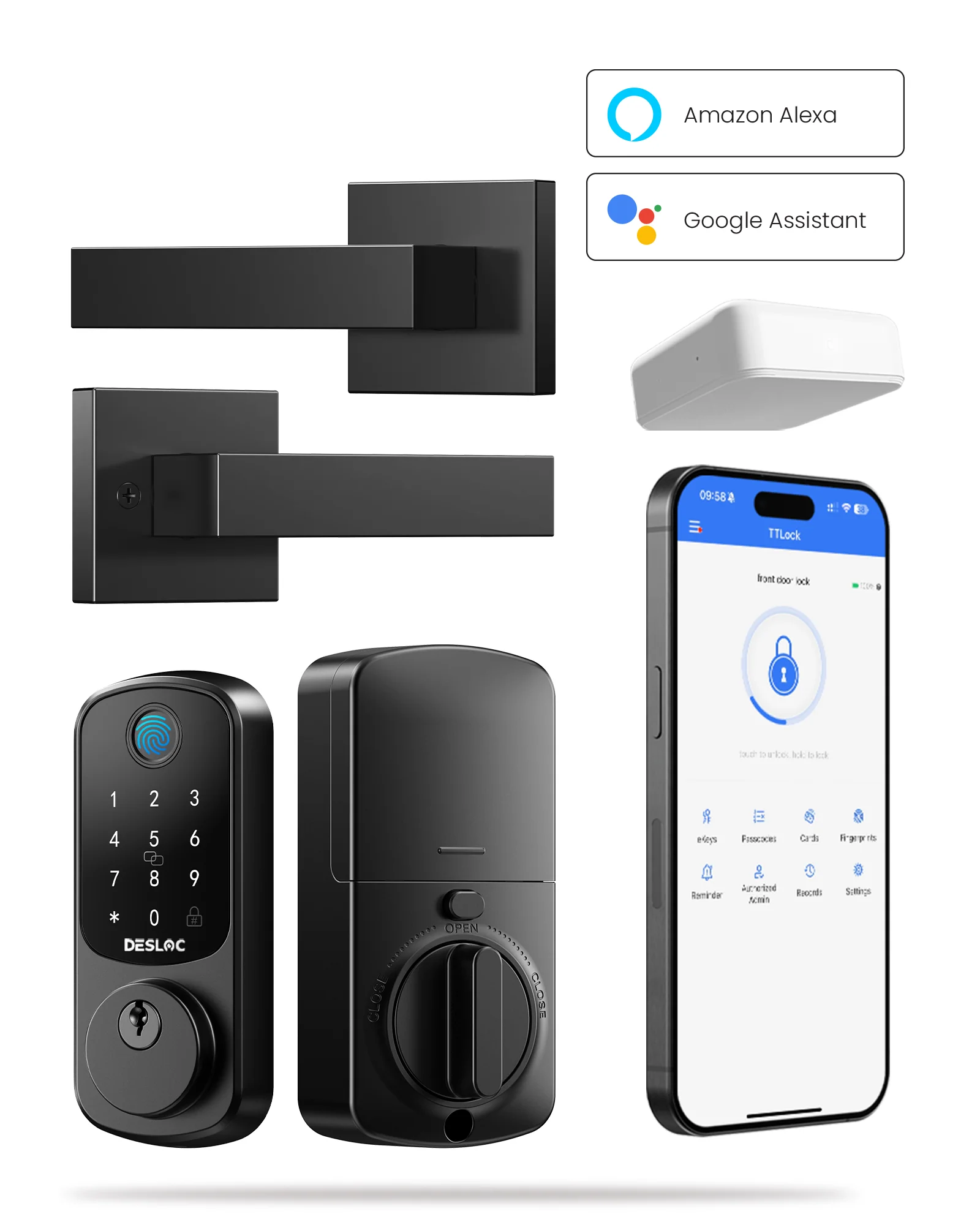
In the age of smart home technology, DESLOC emerges as a leader in innovative security solutions with its B200 Fingerprint Smart Door Lock. Designed to enhance convenience and safety, the B200 integrates seamlessly with mobile devices, allowing users to easily manage access to their homes. Utilizing Bluetooth technology, this lock can be controlled via the TTLock app, making it one of the most appealing options in the market.
Understanding Smart Door Lock Technology
When considering the best smart locks for home, it is crucial to understand how these devices operate. Smart door locks utilize advanced technology to provide homeowners with heightened security while enhancing ease of access. The DESLOC B200, for example, enables users to unlock their doors using a fingerprint or through their mobile devices within a two-meter range via Bluetooth.
The versatility of smart locks extends beyond conventional key access. Smart locks can be programmed to generate temporary access codes, allowing users to provide friends, family, or service personnel with secure access for a specified period. This feature not only enhances convenience but also offers a level of control that traditional locks cannot match.
To fully utilize the capabilities of the DESLOC B200, homeowners should consider the additional G2 Gateway. This device, sold separately, enables remote management of the lock, allowing for real-time monitoring and control from anywhere with an internet connection. The integration between the B200 and the G2 Gateway creates a comprehensive security solution, making these smart door locks ideal for both residential and business environments.
Steps to Pair Smart Door Locks with Mobile Devices
Pairing smart door locks for home with mobile devices is a straightforward process. Here is a step-by-step guide:
Download the TTLock App: Available for both iOS and Android, the first step is to install the TTLock app on your mobile device.
Set Up Your Account: Create an account within the app, providing any necessary information as prompted.
Enable Bluetooth: Ensure Bluetooth is activated on your mobile device to facilitate communication with the smart lock.
Add Your Smart Lock: Follow the app’s instructions to add the DESLOC B200. This typically involves scanning a QR code or manually entering the lock’s unique identifier.
Customize Settings: Once paired, users can configure settings such as creating temporary access codes, managing users, and setting time schedules for access.
By following these steps, homeowners and consumers alike can successfully integrate one of the best smart locks for home into their daily routines, elevating both security and convenience.
Innovative Security Solutions for Modern Homes
DESLOC‘s B200 fingerprint smart door lock represents a significant advancement in home security, perfectly blending technology and convenience. With features such as mobile device pairing, temporary access codes, and the option to add the G2 Gateway for remote management, it stands out as a premier choice among smart door locks for home. As the industry evolves, embracing such technologies will become essential for homeowners looking to provide secure and efficient solutions for their homes.